Installing or Updating the Print2RDP Client with Web Installer
The Print2RDP client component must be installed on each client PC that uses Print2RDP.
The web-based installer offers an easy Upgrade solution for Administrators, while preserving configurations! To upgrade the Print2RDP Client to the latest version, users are no longer required to re-download the Client installer again. Administrators only have to start the already downloaded web-installer and it will download and install the latest version!
To install or update the Print2RDP client with a web installer, perform the following steps:
-
Run Print2RDP Client (Web Installer).exe
-
The installer will download the Print2RDP Client files from the Black Ice website.

-
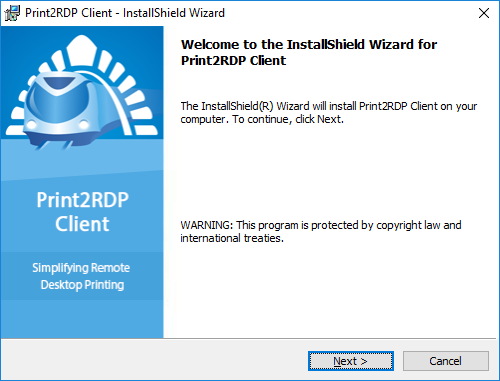
Click Next to start the installation of the Print2RDP.
-
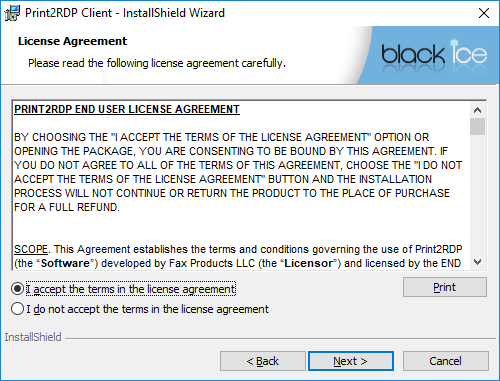
Read and accept the License Agreement and click Next.
-
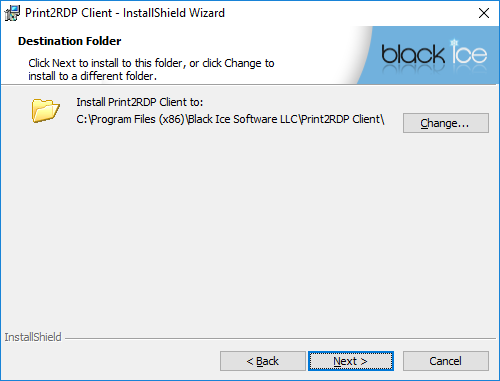
Use the default location or choose a directory to install Print2RDP to by clicking the Change… button and selecting a directory, and click Next.
-
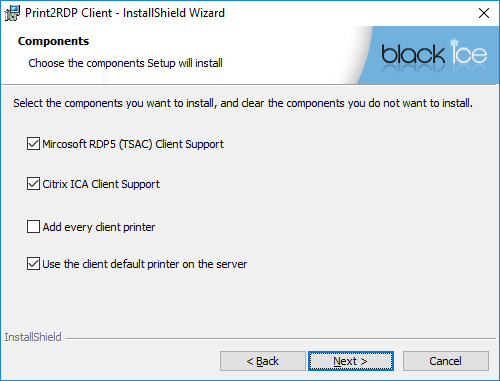
Choose the appropriate options and components and click Next.
-
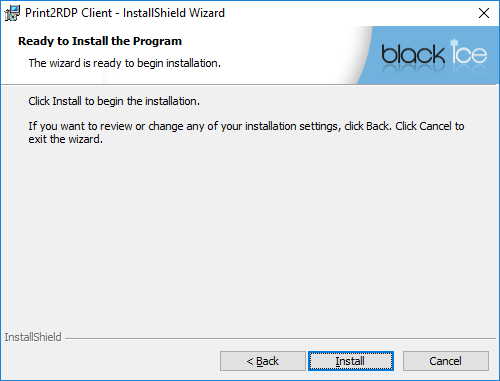
Click on the Next button to start the installation.
-
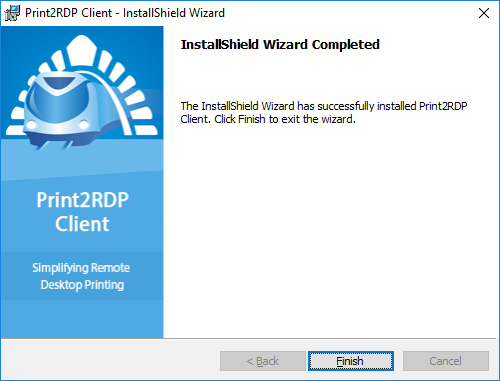
Print2RDP installs and then the Wizard Complete dialog appears. Click Finish to complete the installation.