
If a user does not log off properly from the system the license will stay in use and the user’s license will not be freed up for the user. In some cases, if the Print2RDP service crash, a user license may stuck in the Print2RDP server.
There is an option in the Print2RDP server to reset the licenses.
To reset the license please do the following:
Go to Print2RDP Server Properties
Click Reset Licenses as can be seen on the screenshot below
Click Yes on the following dialog:
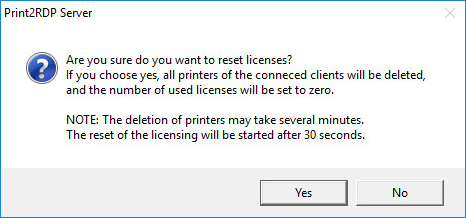
Wait until Print2RDP Server finishes with the License Reset
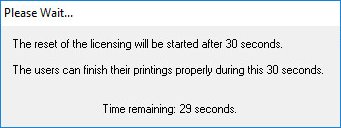
After Print2RDP finished with the License Reset, start Print2RDP Client and connect to the terminal server.