Click the Start Menu and select the Control Panel.
Select the Add or Remove Programs (Programs and Features on Windows 2008) item.
When the Add or Remove Programs dialog appears, select the Print2RDP Server as shown below and click the Remove button.

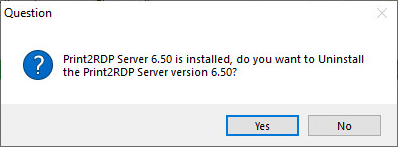
Press OK on the Confirm Uninstall dialog.
The uninstallation process begins. If Print2RDP is uninstalled within the demo period, a demo license number isgiven. Save this number in case Print2RDP is reinstalled within the demo period.
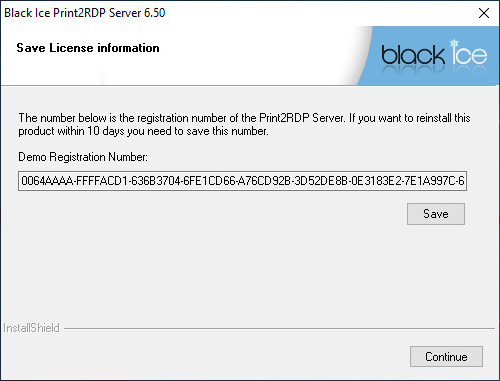
During the next installation when the Print2RDP tries to register itself, the following screen appears, and the saved Demo Registration Number is required to re-register the application. Paste the code to the Your Demo License Number saved from previous uninstallation): field.

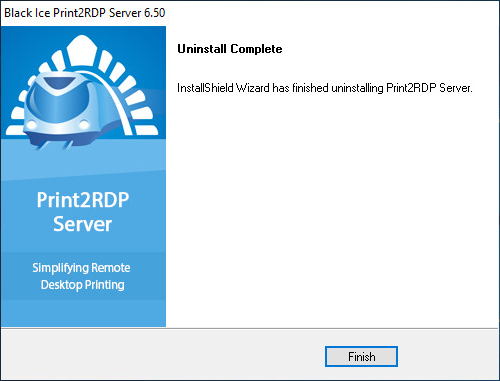
When the uninstallation is complete, the InstallShield Wizard Complete dialog appears. Click Finish to complete the uninstallation process.