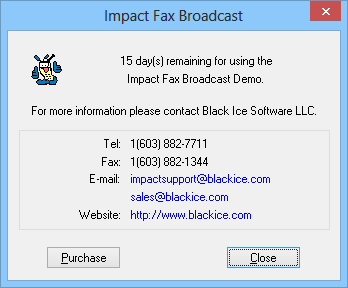
When starting Impact Fax Broadcast, you will then see the dialog below containing the remaining days for your evaluation and contact information for Black Ice Software:
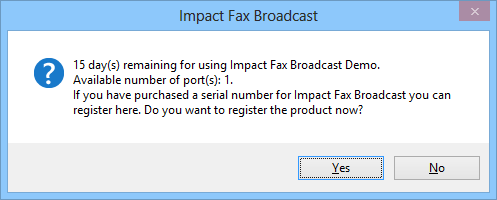
If you have already purchased a license for Impact Fax Broadcast and wish to register the release version of the software, click Help → Upgrade License. You will see a screen with your current evaluation information. Click ‘Yes’ to upgrade your demo to the release version:
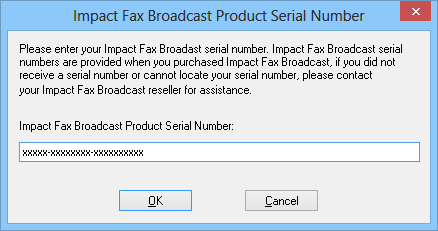
Enter your serial number, received in email with the purchase of the Impact Fax Broadcast.
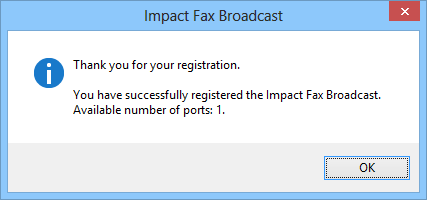
If registration was successful, you will see this prompt:
If unsuccessful, please read the Manually registering the Impact Fax Broadcast Release (purchased version) section.