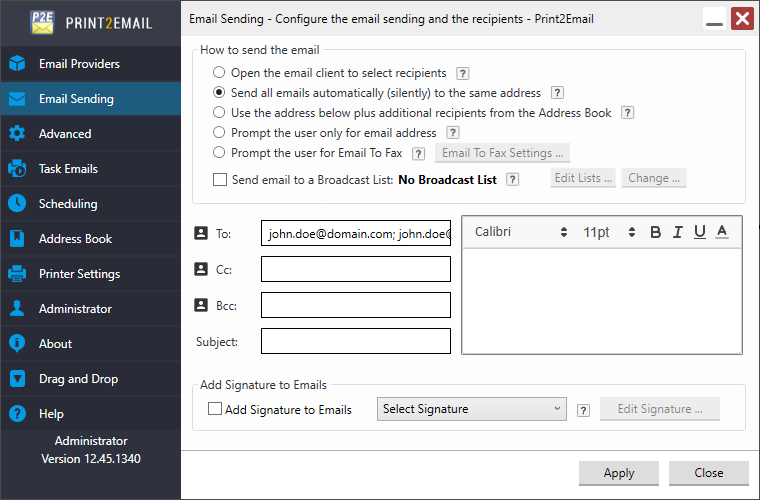
Emailing a converted document to multiple recipients is simple. In Print2Email > Email Sending tab, enter the email addresses separated by a semicolon (;), like this:
example1@domain.com; example2@domain.com; example3@domain.com
To apply the configurations, click Apply.
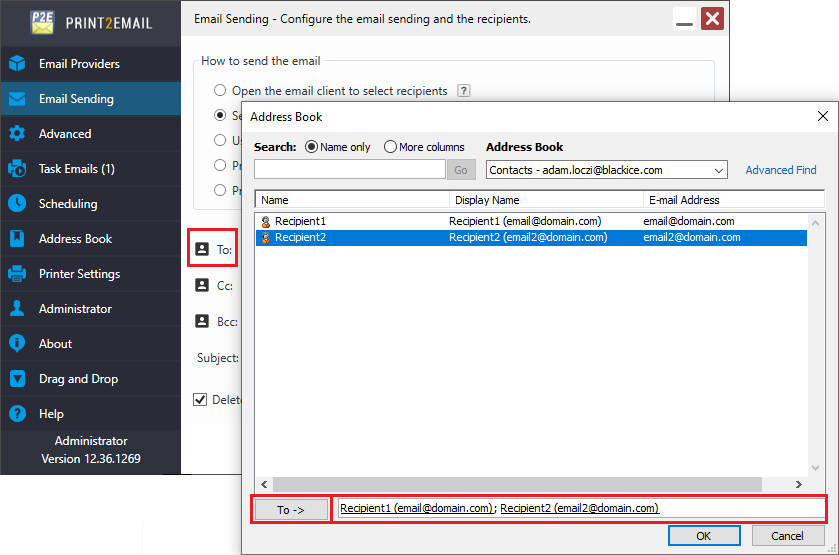
If one would like to add recipients from the Address Book, click on the Address Book icon in Print2Email Email Settings, select the contacts to add, and click on OK button.