Once downloaded, the evaluation version of Barcode SDK OCX can be used up to 30 days.
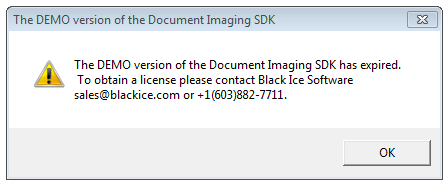
Once the evaluation period is over, the Barcode SDK OCX will crash and throw the following message box:
There is a possibility to extend the demo period for an additional 30 days.
1. Please uninstall your Barcode SDK OCX.
2. Check out your MAC address.
3. Please call Black Ice Software Sales Office at +1 561-757-4107 and provide the MAC address.
4. Sales Assistant will remove your MAC address from the database.
5. Download and reinstall the Barcode SDK OCX.
6. Your evaluation period has been extended and you are able to use for more 30 days.