 .
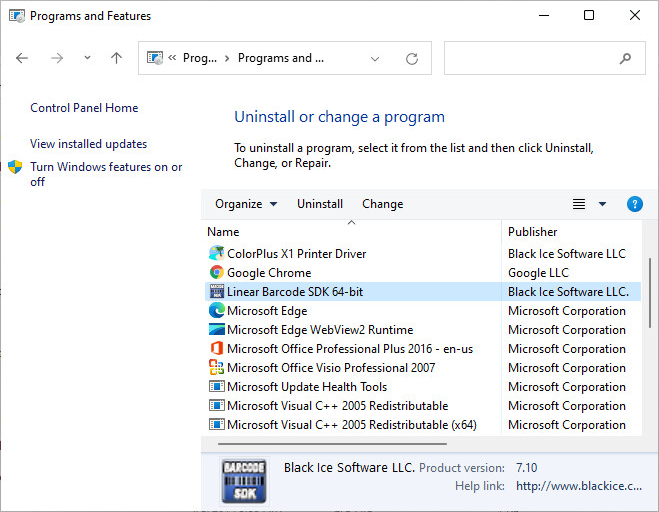
.To uninstall the Barcode SDK/ActiveX, please perform the following steps. Navigate to the Control Panel > All Control Panel Items > Programs and Features, select the Barcode SDK, then click the Uninstall button to begin the uninstallation process.
.
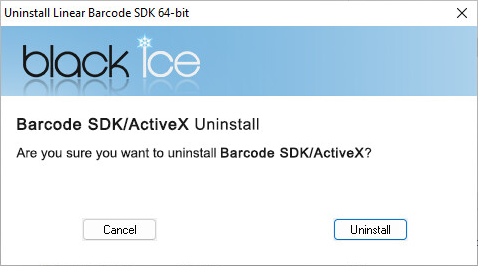
On the appearing window, click on the Uninstall button to continue the uninstallation.
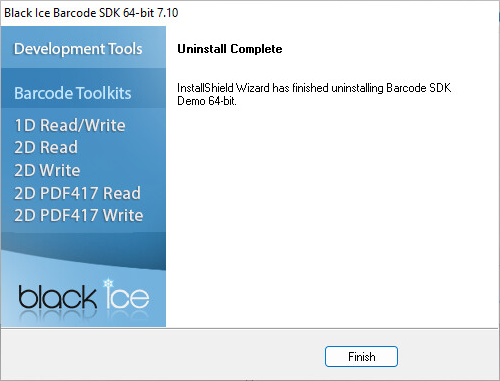
When the uninstallation has finished the following window appears. Click on the Finish button to close the window.