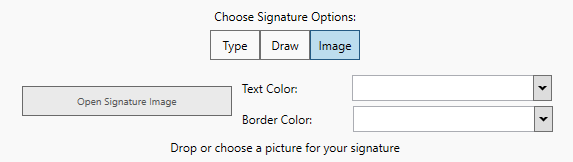
One can use images as signature. There are two ways of selecting the image:
· By clicking the “Open Image” button:
When clicking the “Open Image” button, one can select an image, using a file browser. Once it is selected, click OK to apply.
· By dragging and dropping in it:
Choose an image, and drag it into the signature field, using the mouse. If it is on the field, release the left mouse button, dropping it into the field.
Once all set in the window, click Place Signature to confirm the options. On the page press and hold the left mouse button, drag the area in which the Signature will take place, and then release the left mouse button.