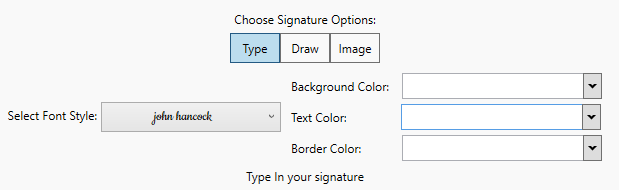
In type in mode, one can select the style in which the name will be written out, and type it in the signature field with keyboard.
To select the font style for the signature, one can pick an existing one by clicking into the Font Style field and select one from the dropdown menu.
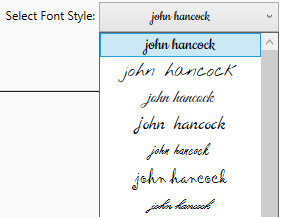
The style applies as it gets selected.
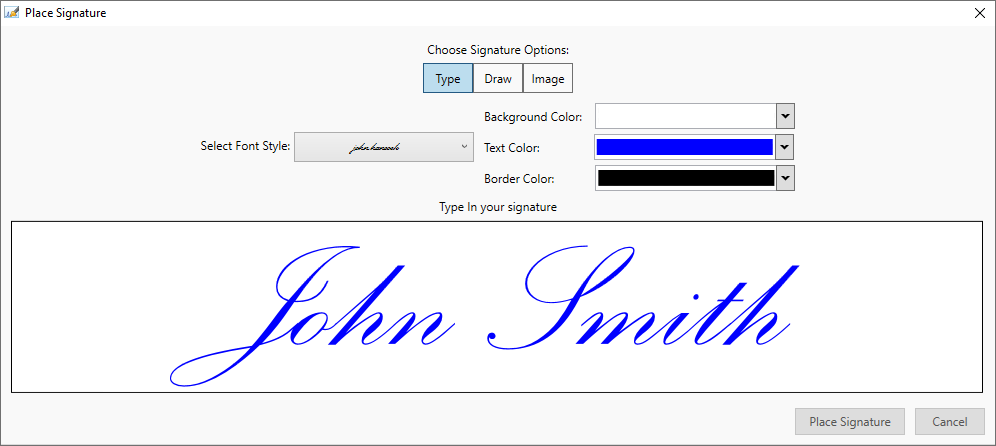
To select background, text and border color, one can pick a color to use from the dropdown boxes next to the Select Font Style dropdown menu.