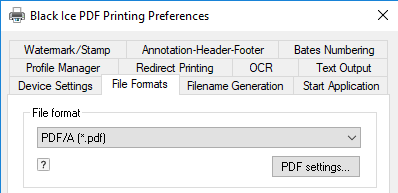
To navigate to the PDF/A Setting go to the File Formats tab, choose PDF/A file format, and click PDF settings.
|
|
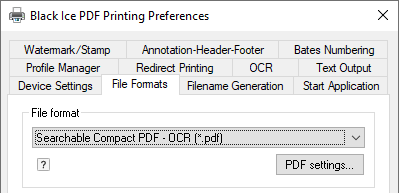
The “PDF settings…” button on the File Formats tab will display a dialog that allows you to specify a number of settings for the printed PDF/A document. The “PDF settings…” button is only enabled if the selected file format is PDF or PDF/A.