|
The BiCommandLineConverter only works with Black Ice Printer Drivers and does not work with physical printers.
For using the BiCommandLineConverter, Black Ice Printer Driver version 14.16 or higher is required. The BiCommandLineConverter full version can be used with any Black Ice Printer Driver.
|
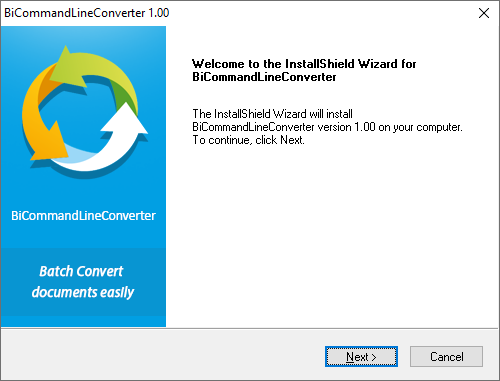
Go to the directory that you downloaded the program file to and double click on BiCommandLineConverterSetup.exe. The following screen will appear:
Click on the Next button to continue.
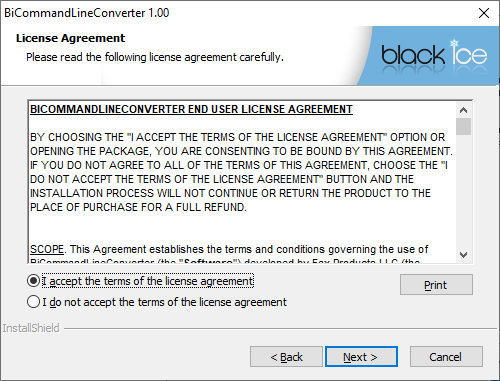
Read and accept the License Agreement and Click Next to proceed.
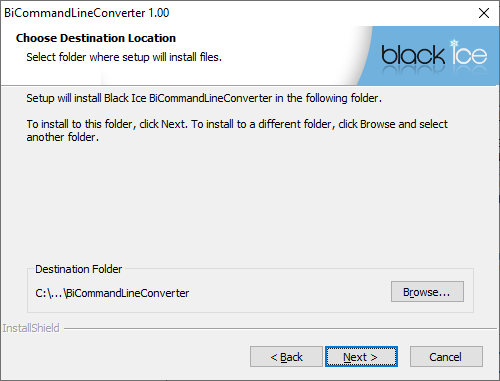
Choose the location where you want BiCommandLineConverter (BiCommandLineConverter Demo) to be installed – the default (and recommended) location is C:\Program Files\Black Ice Software LLC\BiCommandLineConverter- and click Next.
The following window allows you to specify the name of the Program Folder that BiCommandLineConverter will be listed under. Type in a new folder name if desired.
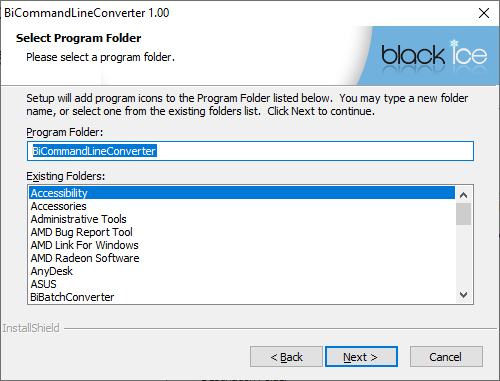
Press Next to continue.
To install the evaluation version of BiCommandLineConverter, please select the I want to evaluate the BiCommandLineConverter option. Users have 15 days for evaluating the BiCommandLineConverter demo. To install the full version of the BiCommandLineConverter, please refer to the Installing the BiCommandLineConverter Release versionsection of the manual.
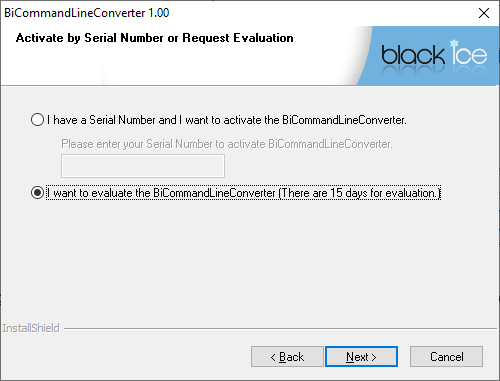
Click Next to continue.
Setup will now copy the program files to the computer.
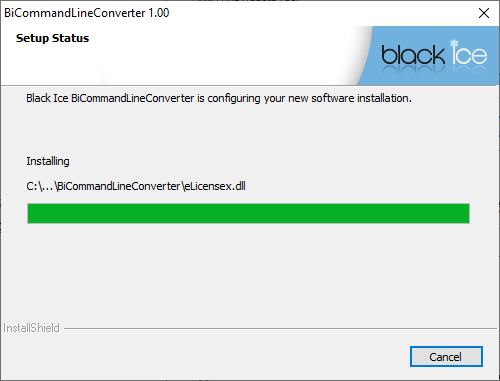
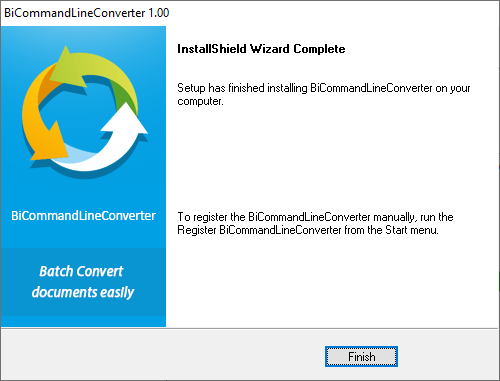
Press the Finish button on the following screen to complete the installation.